AI features
Teach the AI when a draft is wrong
- On the AI draft, click Teach.
- Say what was wrong or what it should have done.
- The AI explains why it wrote what it did and suggests a change to your playbooks.
- Review the suggestion. Nothing changes until you apply it.
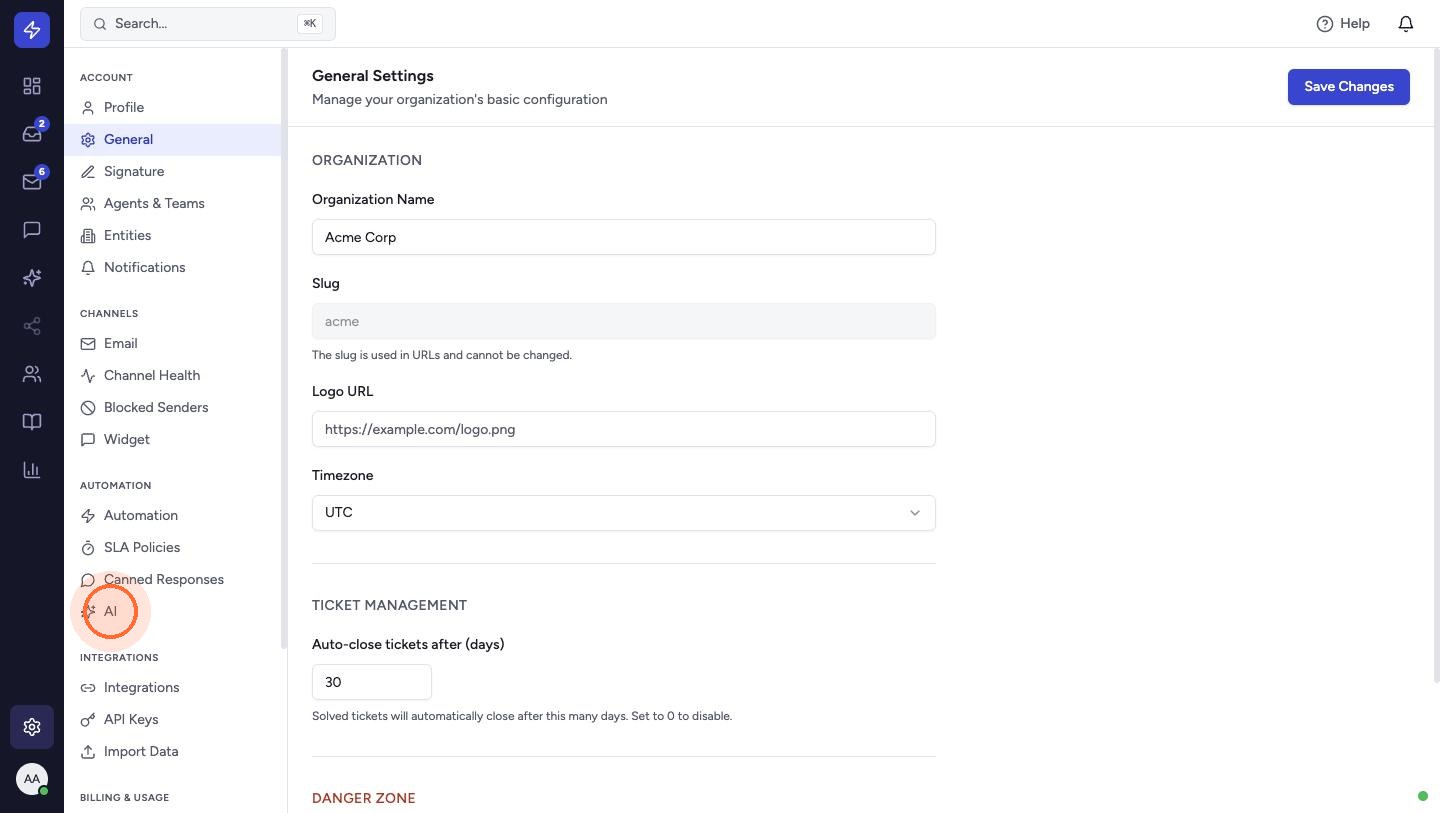
If the draft got a fact wrong, such as a price, threshold or timeline, check that the right page is listed under Settings → AI → Policy pages. The AI reads those pages live each time it drafts.
 Watch the video guideDraft replies with AIAbout 6 minutes · 16 steps