Finding tickets and reports
Search for tickets
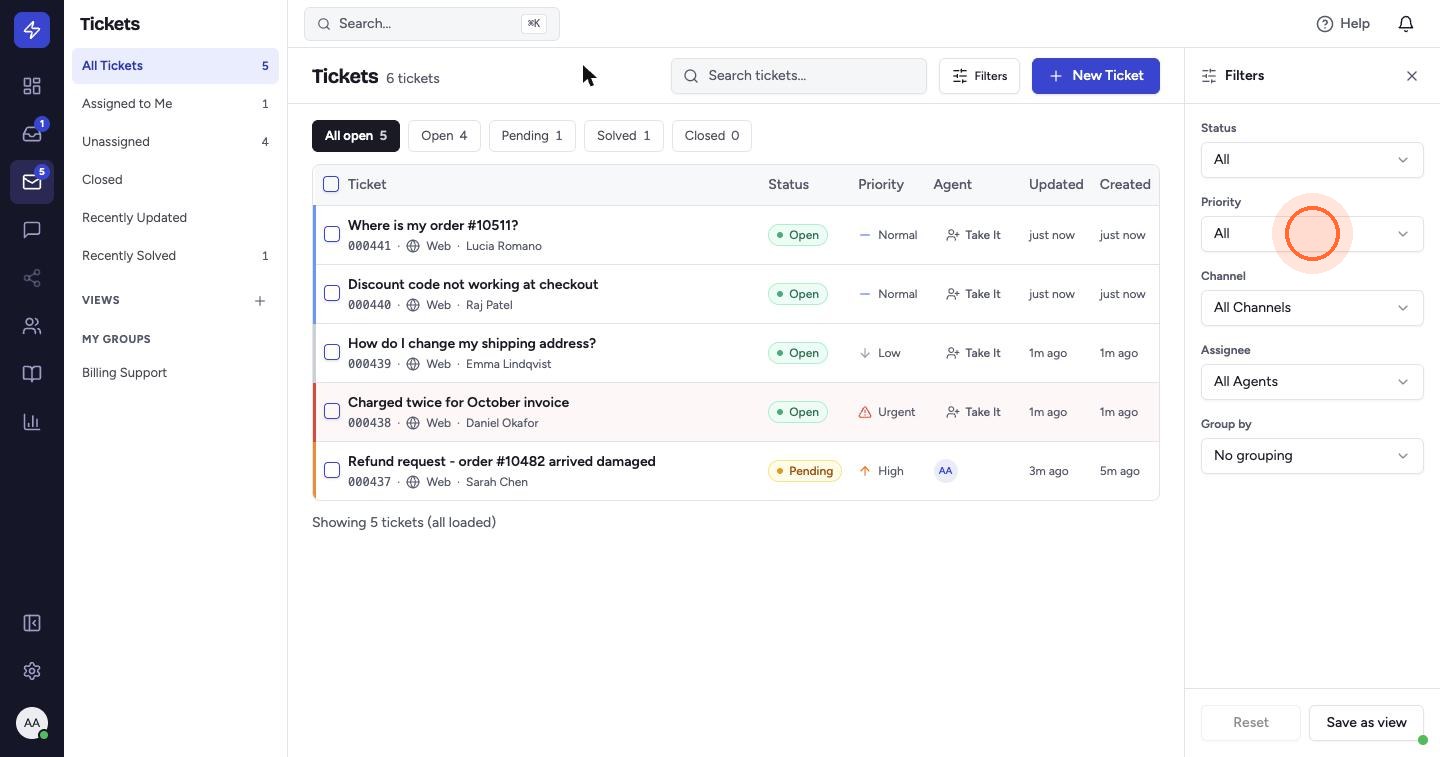
Search the ticket list
On the Tickets page, click Search tickets and type a word or phrase. ZippTicket finds every ticket that mentions it, in the subject or in the messages.
Search from anywhere
Press Cmd+K (Ctrl+K on Windows), or click the search bar at the top of any page. Pick a result, or choose View all results.
 Watch the video guideFind tickets and read reportsAbout 5 minutes · 13 steps