Getting started
Change your organization name, timezone and auto-close setting
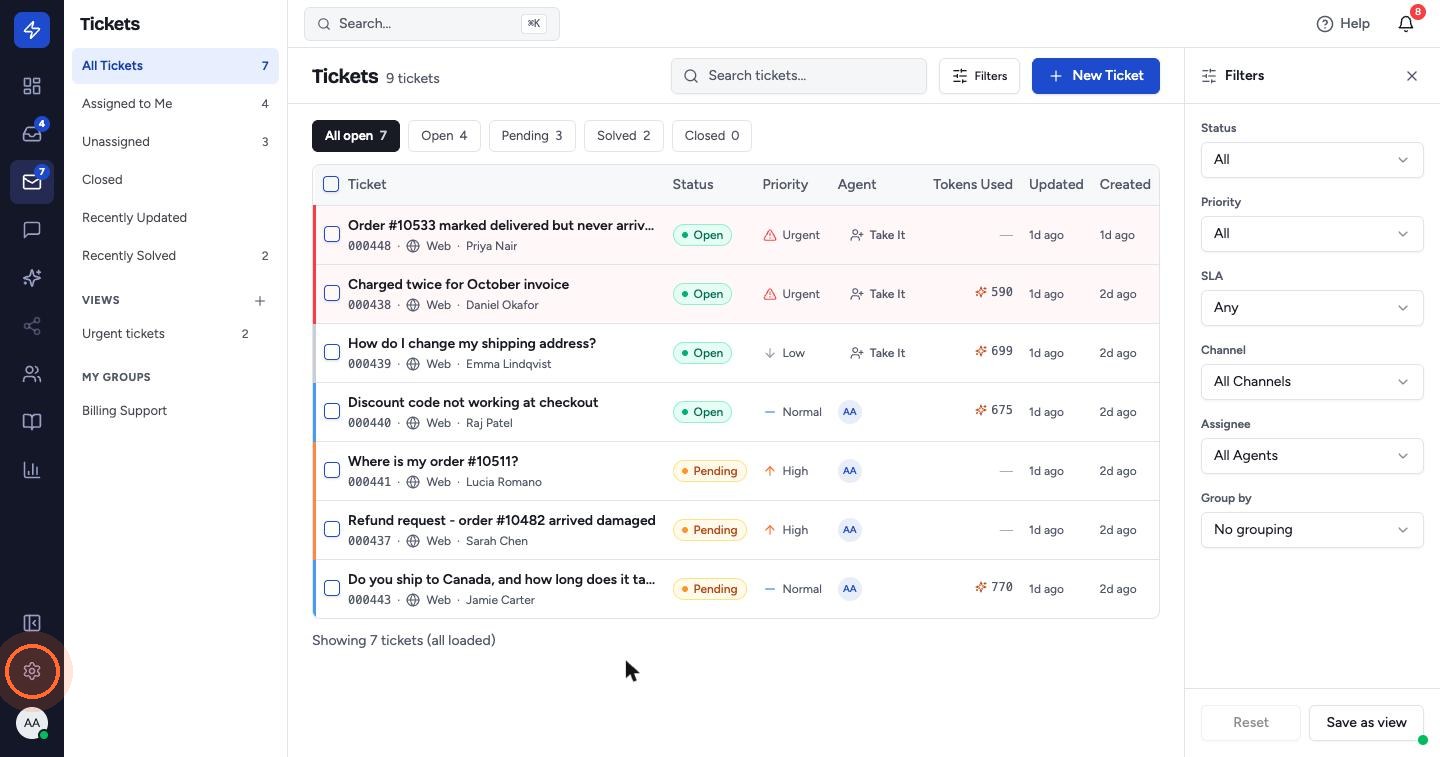
- Click the Settings gear at the bottom of the left sidebar. Settings opens on General.
- Check your Organization Name and choose your Timezone.
- Set Auto-close tickets after (days). Solved tickets close automatically after this many days. Enter 0 to turn auto-close off.
- Click Save Changes.
Your workspace Slug (the part of your web address before .zippticket.com) is shown on the same page and can't be changed.
 Watch the video guideSet up your accountAbout 10 minutes · 18 steps