Getting started
Getting started: set up your workspace
Work through these in order. Each one links to a step-by-step article. You need the Admin or Owner role.
- Check your organization details. Name, timezone and how long solved tickets stay open. See Change your organization name, timezone and auto-close setting.
- Invite your agents. See Invite an agent to your workspace.
- Create teams so tickets can be routed to a group. See Create a team and add members.
- Connect your support email address. See Connect your support email address.
- Turn on automatic emails for new, solved and closed tickets. See Send automatic emails to customers.
- Set your email signature. See Set your company email signature.
- Add the widget to your website for live chat, help articles and a ticket form. See Add the support widget to your website.
- Save time on common questions with canned responses. See Create a canned response.
- Set business hours and SLA targets. See Set your business hours and Create an SLA policy.
- Automate routine sorting with rules. See Create an automation rule.
- Let AI draft replies for your team to review. See Set up AI drafting: playbooks, policy pages and writing style.
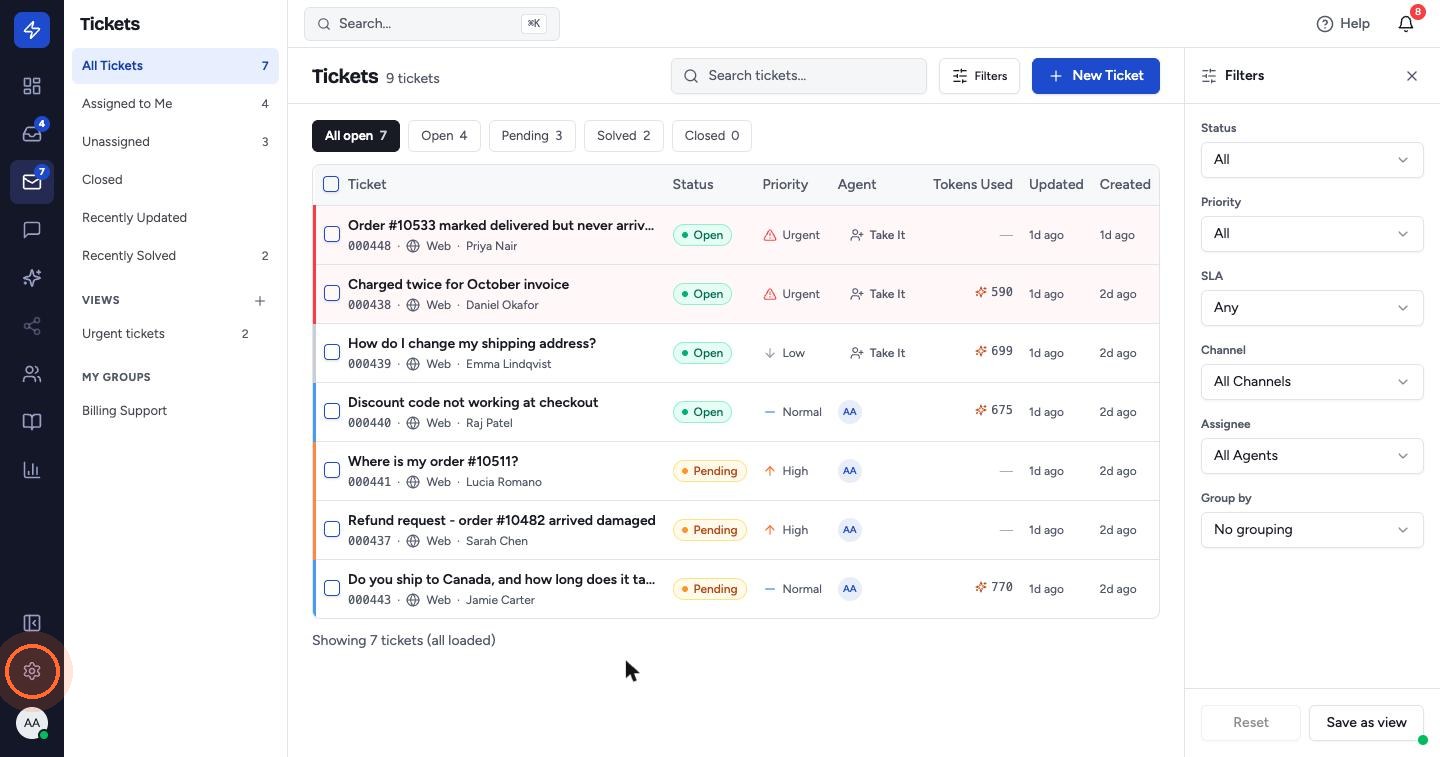
All of these live under Settings, the gear at the bottom of the left sidebar.
 Watch the video guideSet up your accountAbout 10 minutes · 18 steps