Canned responses
Create a canned response
You need the Admin or Owner role.
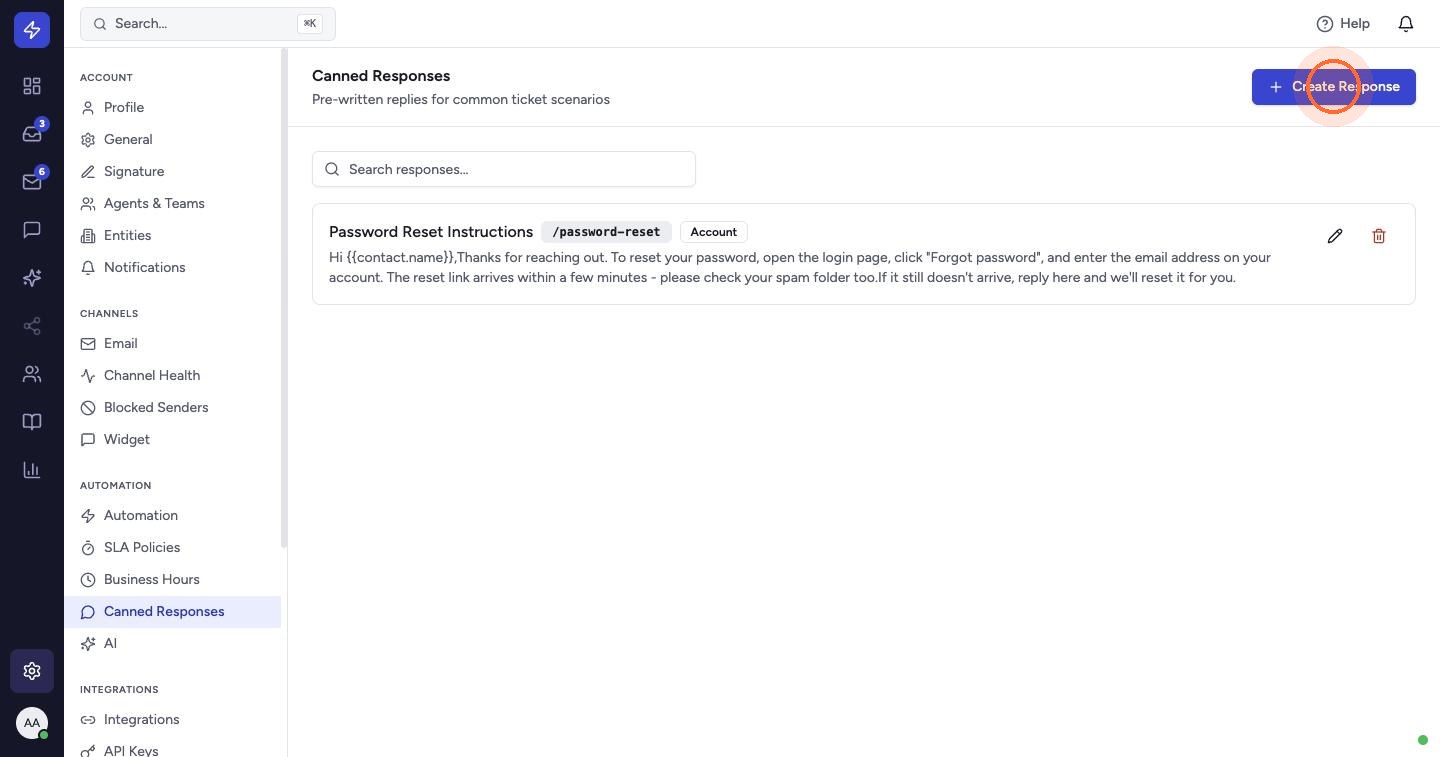
- Go to Settings → Canned Responses and click Create Response.
- Enter a Title.
- Write the Body. HTML is supported. Placeholders such as
{{contact.name}}are replaced with the customer's details when the response is used. Click View available placeholders for the full list. - Add a Shortcut, for example
shipping-delay, and a Category. - Click Create Response.
Agents can now insert it in any reply by typing / followed by the shortcut, for example /shipping-delay.
Tip: keep shortcuts short and memorable. Agents type them many times a day.
 Watch the video guideCanned responses, SLAs and automationAbout 10 minutes · 20 steps