Working with tickets
Create a ticket on behalf of a customer
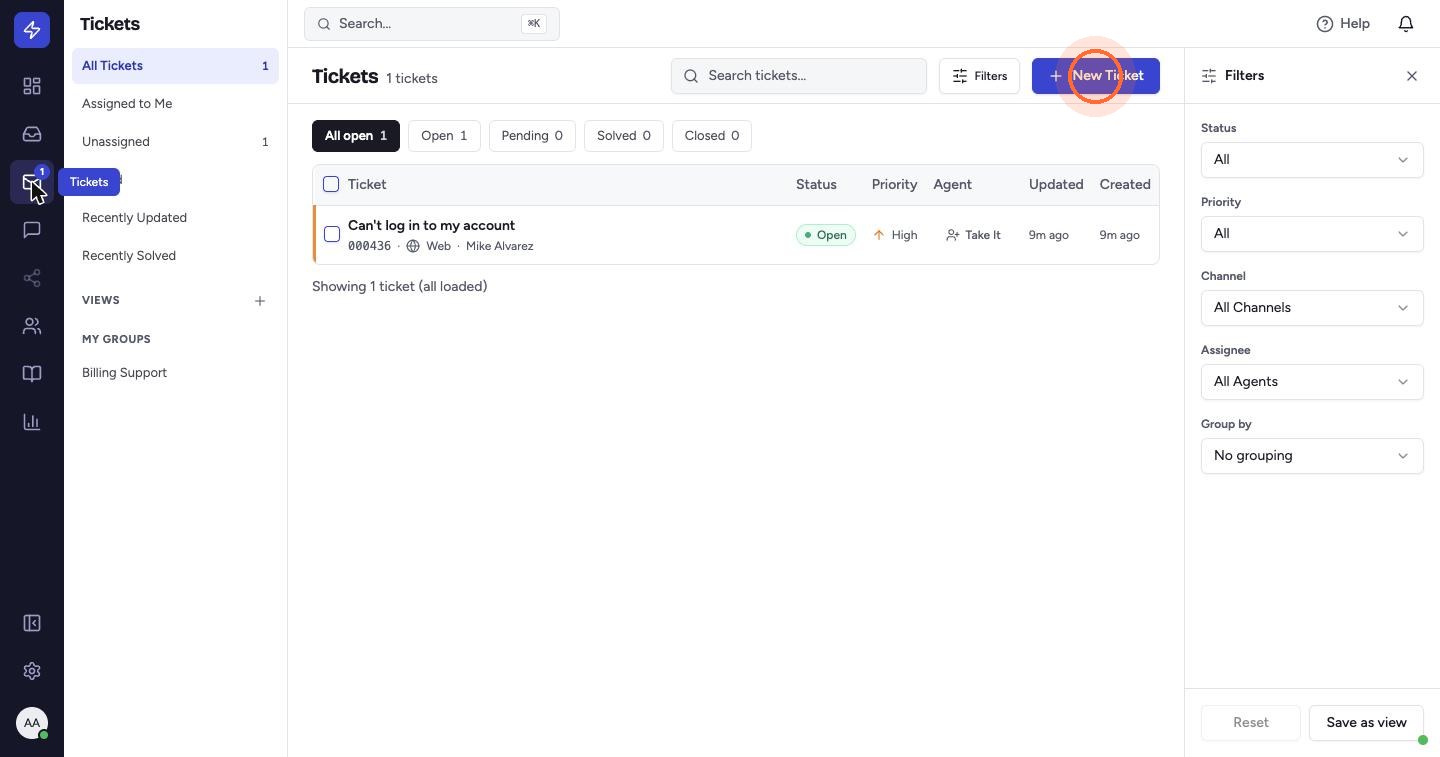
- Open Tickets in the left sidebar and click New Ticket.
- Enter the Customer email, the Customer name (optional) and a short Subject.
- Choose a Priority: Low, Normal, High or Urgent.
- Write the Message. Type
/to insert a canned response. - Choose how the message is sent: - Send to customer (the default): emails the message to them. - Internal: logs the ticket without emailing the customer.
- Click Send to customer (or Create internal ticket if you chose Internal).
The new ticket opens in its own tab with a ticket number. Automation rules with the Ticket Created trigger run on it straight away.
 Watch the video guideCreate and work a ticketAbout 6 minutes · 17 steps