Team and roles
Create a team and add members
Teams let you assign a ticket to a group, such as Billing or Shipping, instead of one person.
Create the team
- Go to Settings → Agents & Teams and click Create Team.
- Enter a Team Name and a short Description of what the team handles.
- Click Create Team.
Add members
- Click the arrow on the right of the team to expand it.
- Click Add Member, choose an agent from the Select agent list, and click Add.
- Repeat for each member.
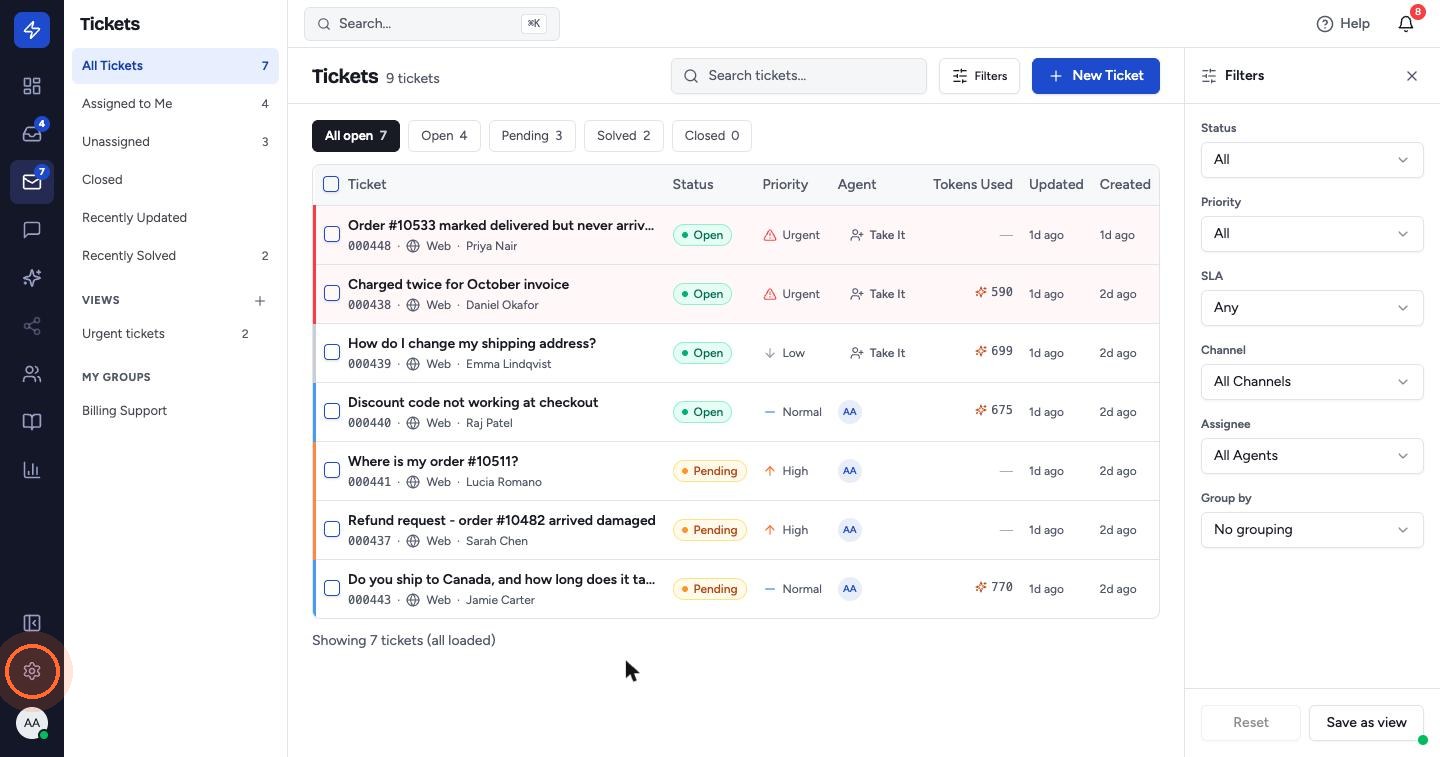
Teams you belong to appear under My Groups in the Tickets sidebar. To route a ticket to a team, set Team in the ticket's Properties panel, or use an automation rule with the Assign Team action.
 Watch the video guideSet up your accountAbout 10 minutes · 18 steps